Describe your idea.
Agent builds the app.
TlyCode Agent is a desktop application for AI-powered development. Chat, Kanban, Git, Skills, Scheduler — all in one. Describe what you want and the agent writes code, deploys the app and returns a link.
TlyCode Agent
Desktop and server application for complete AI-powered project management. All in one — no configuration, just download and sign in.
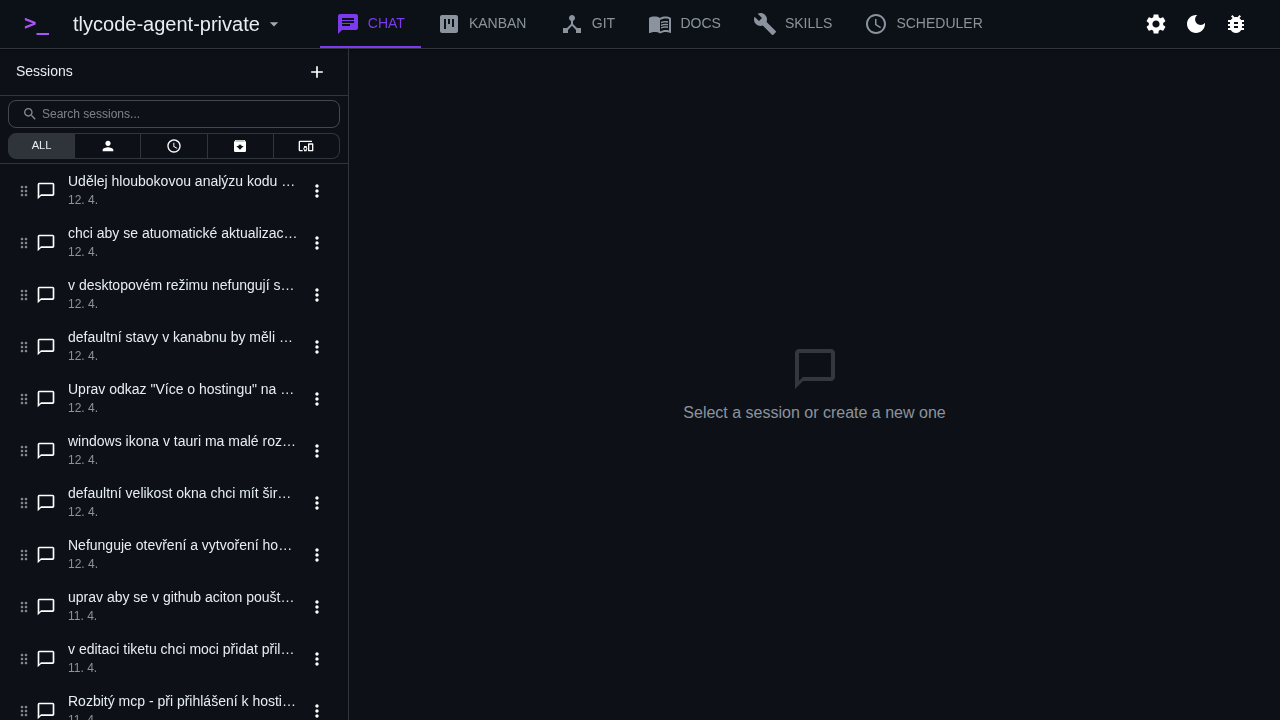
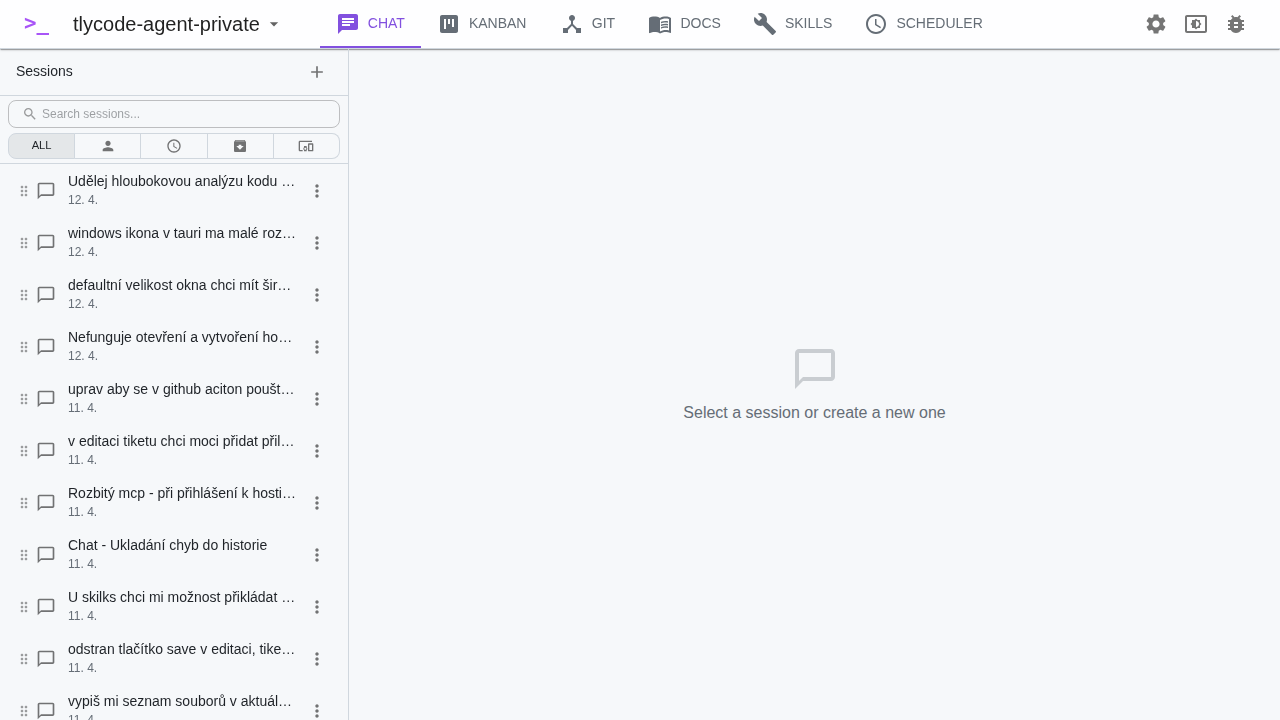
AI Chat
Describe your project in natural language. The agent generates TypeScript code, deploys and iterates — all in one chat.
Tlycode Agent
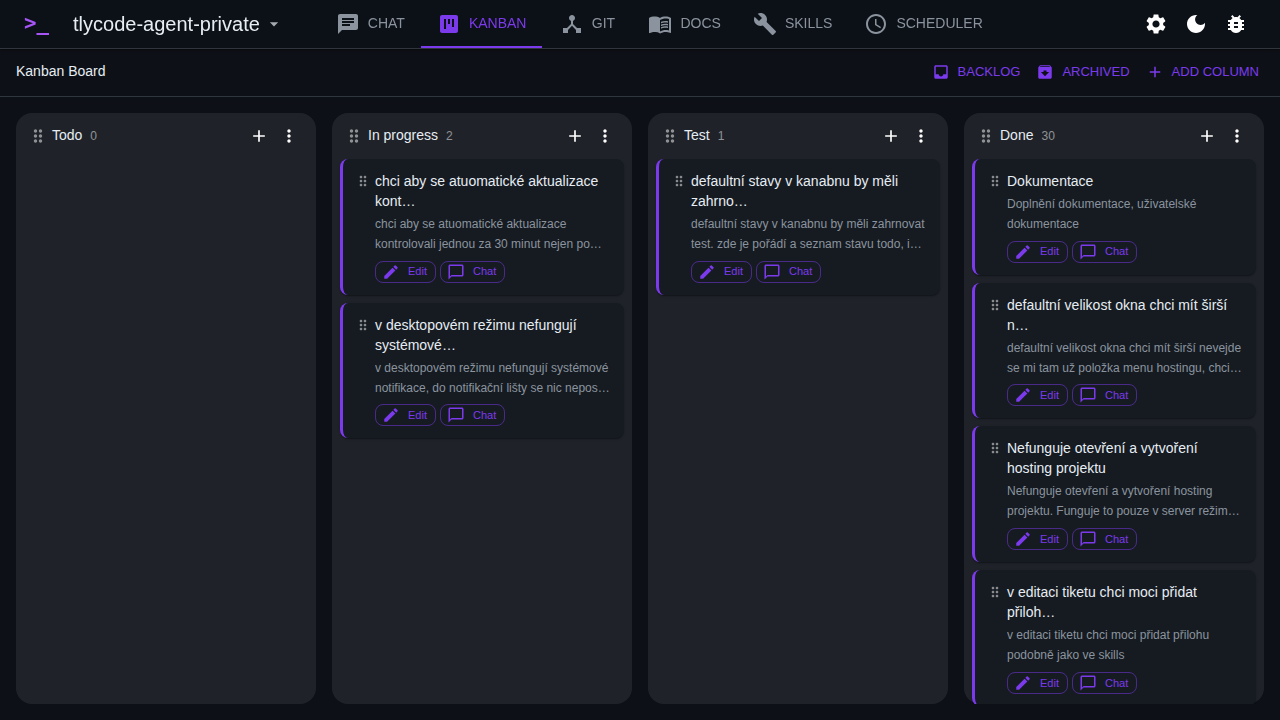
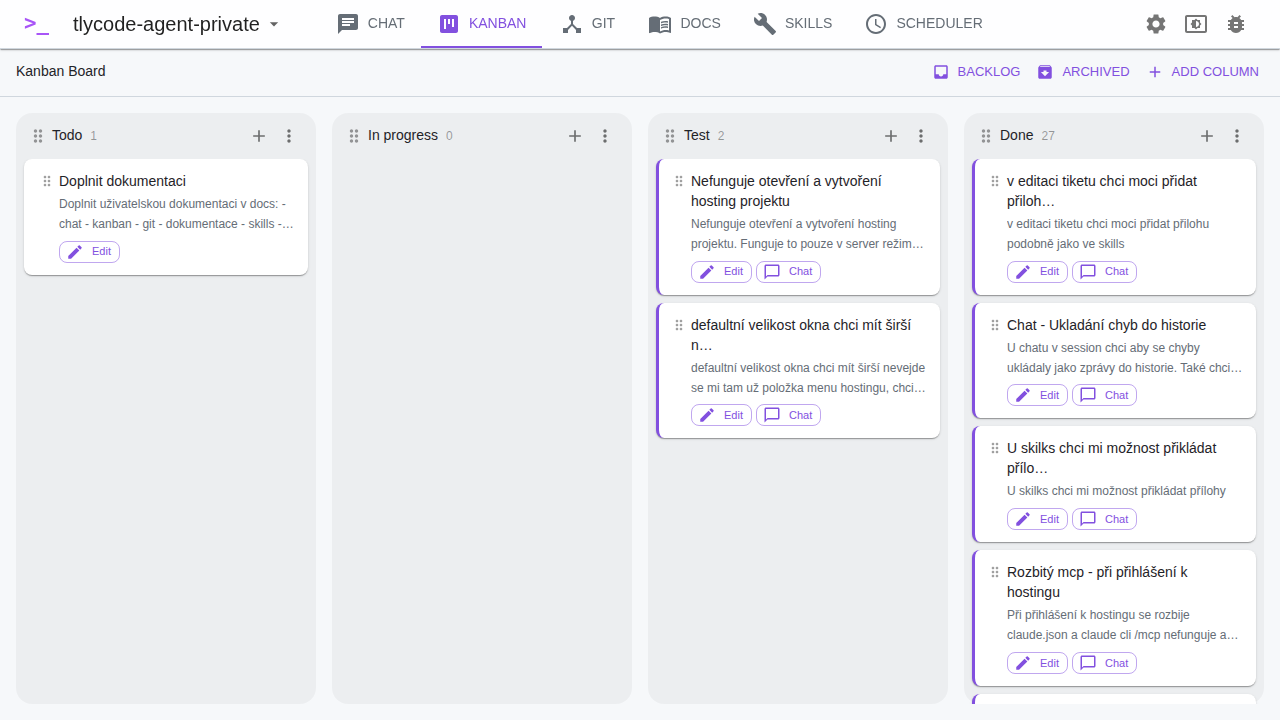
Tickets = prompts for AI. Create a ticket, the agent picks it up and resolves it autonomously — writes code, tests and deploys.
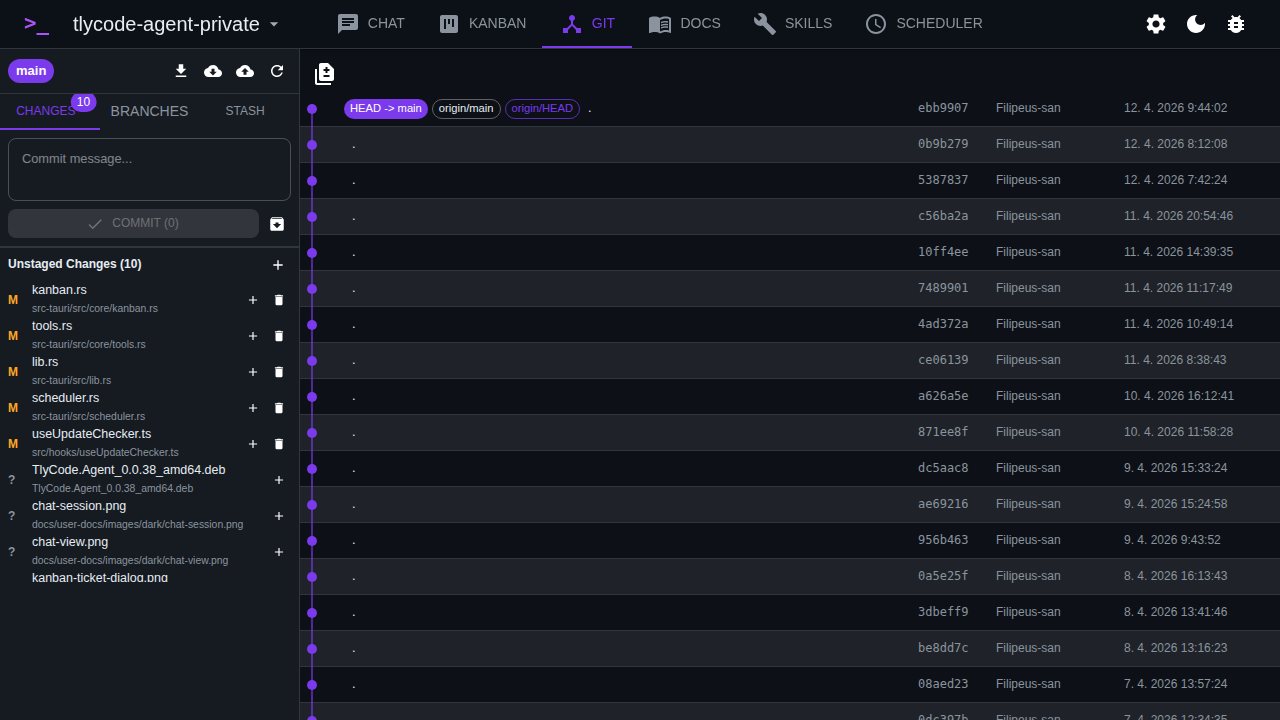
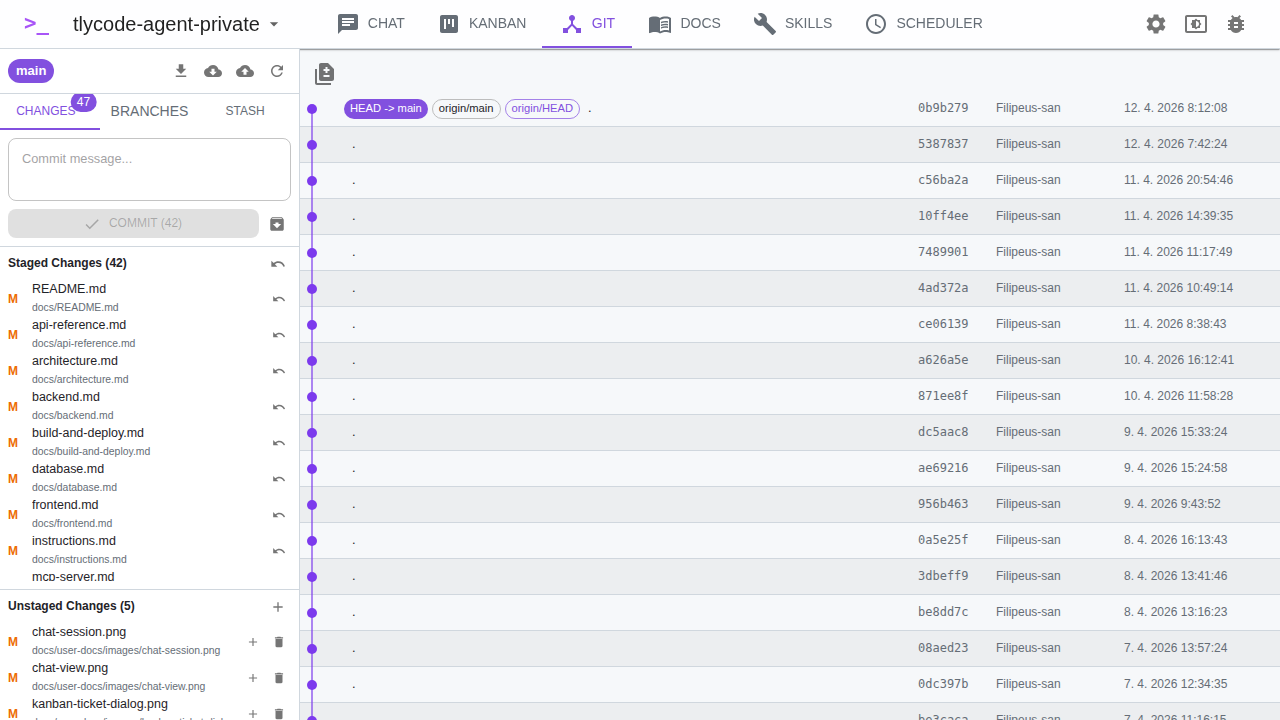
Git Integration
Commits, branches and pull requests directly from the agent. Visual diff, change history and automatic pushing to GitHub.
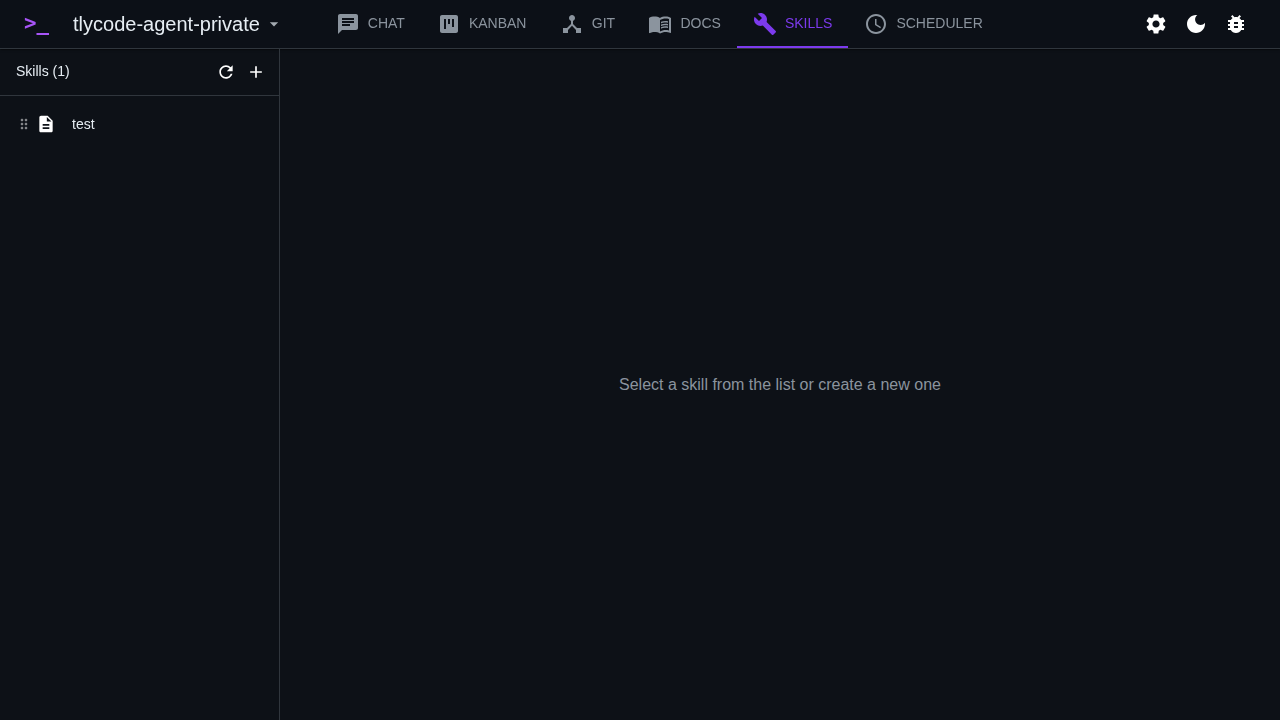
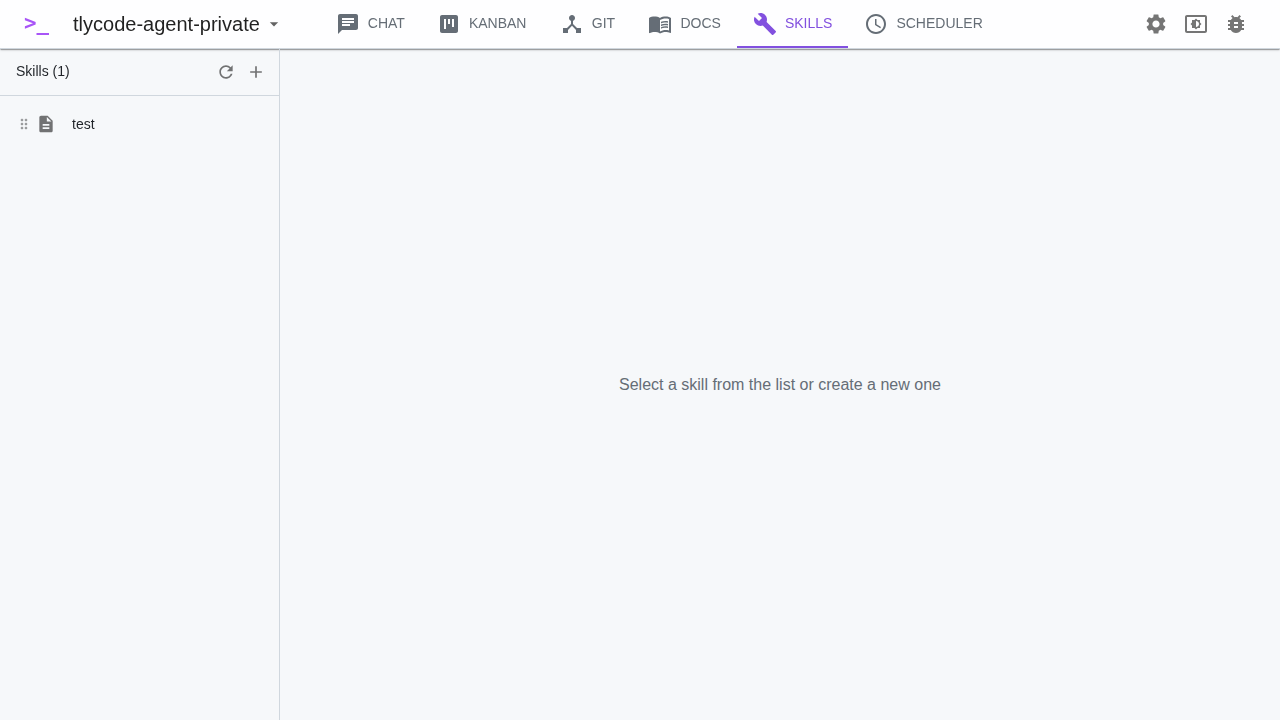
Skills
Custom sets of instructions and prompts. Define patterns once, reuse them across projects.
Scheduler
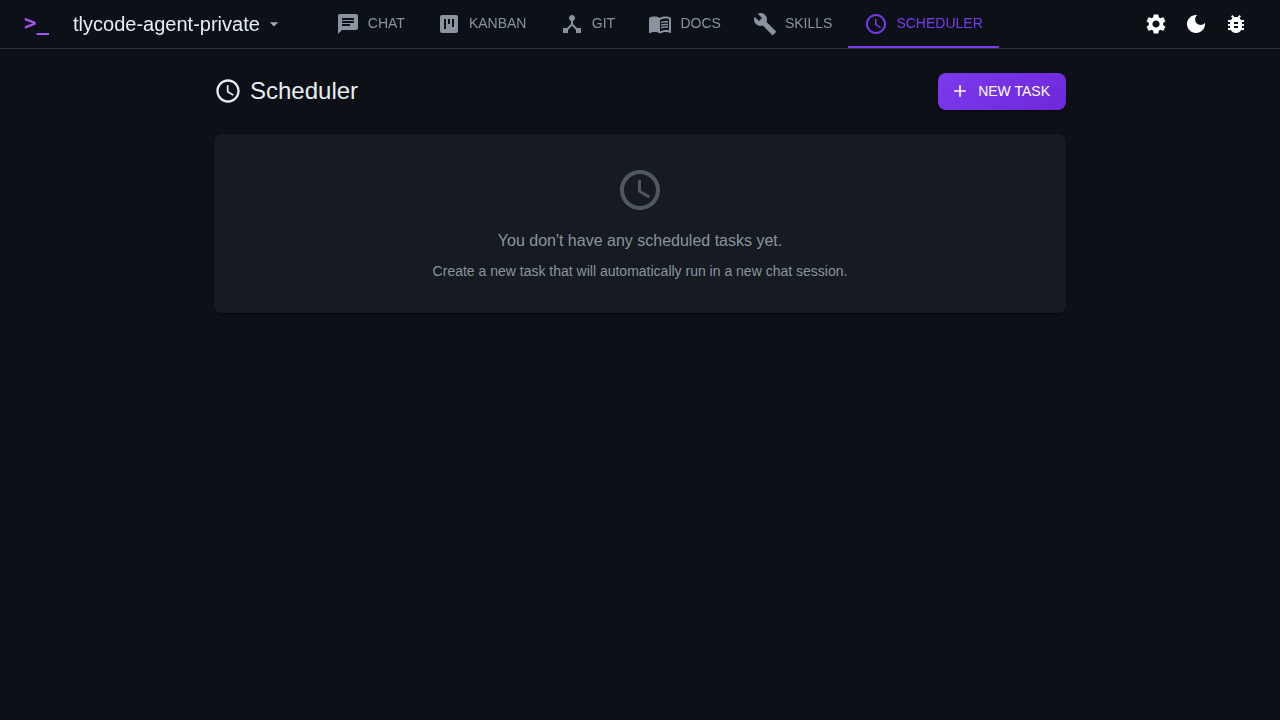
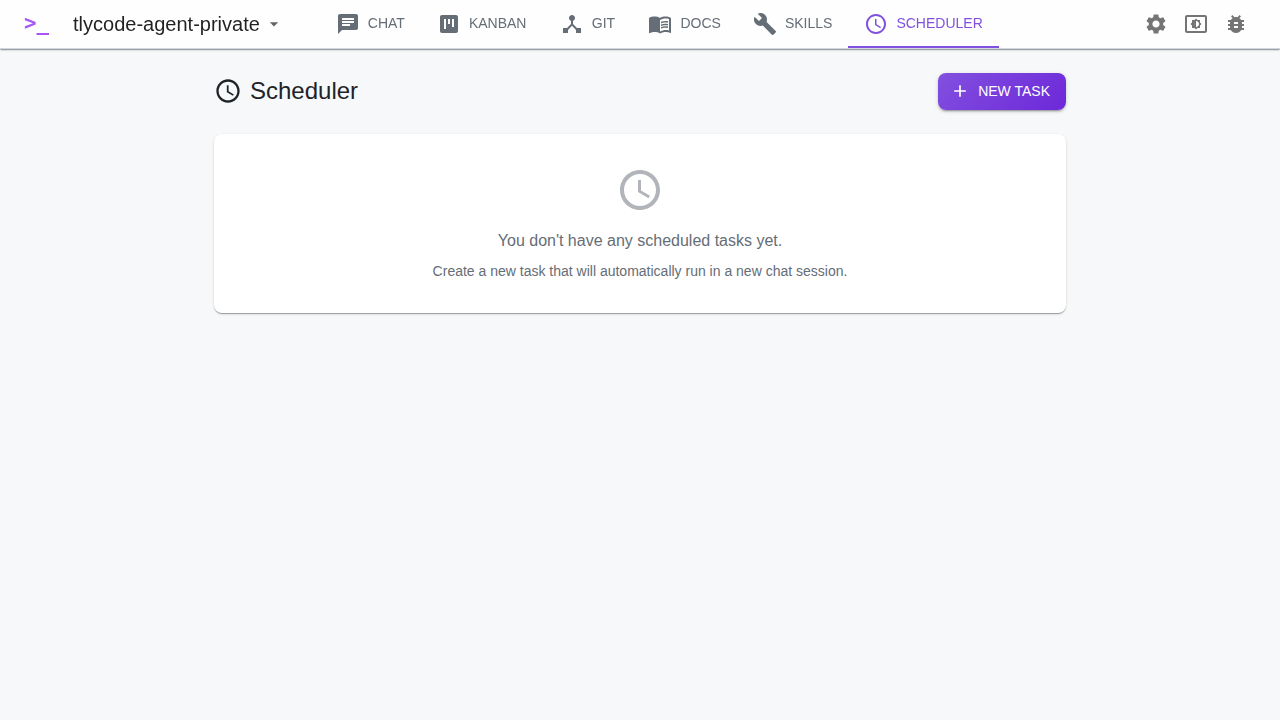
Automatic cron-based task execution. The agent works even when you don't — schedule builds, tests and deploys.
MCP Server (60+ tools)
Built-in MCP server for integration with external agents. Claude Code, Cursor or Windsurf connect to your TlyCode Agent.
Or: MCP connector for your existing agent
Don't want to install TlyCode Agent? Add the MCP connector to Claude Code, Cursor or any other agent and use the Tlycode Hosting platform directly.
// 2. Add the connector to your AI agent:
// .claude/settings.json
{
"mcpServers": {
"typeforge": {
"url": "https://your-instance/mcp"
}
}
}
// 3. Tell the agent what you want. It handles the rest.
Works with any MCP-compatible agent
info Admin panel? Not needed.
Tlycode Hosting has a web admin panel for an overview of projects, environments and deployments. But you never have to open it — TlyCode Agent or any AI agent via MCP connector handles all the work. The admin panel is there only if you want a visual overview or to manually adjust something.
What TlyCode Agent can do
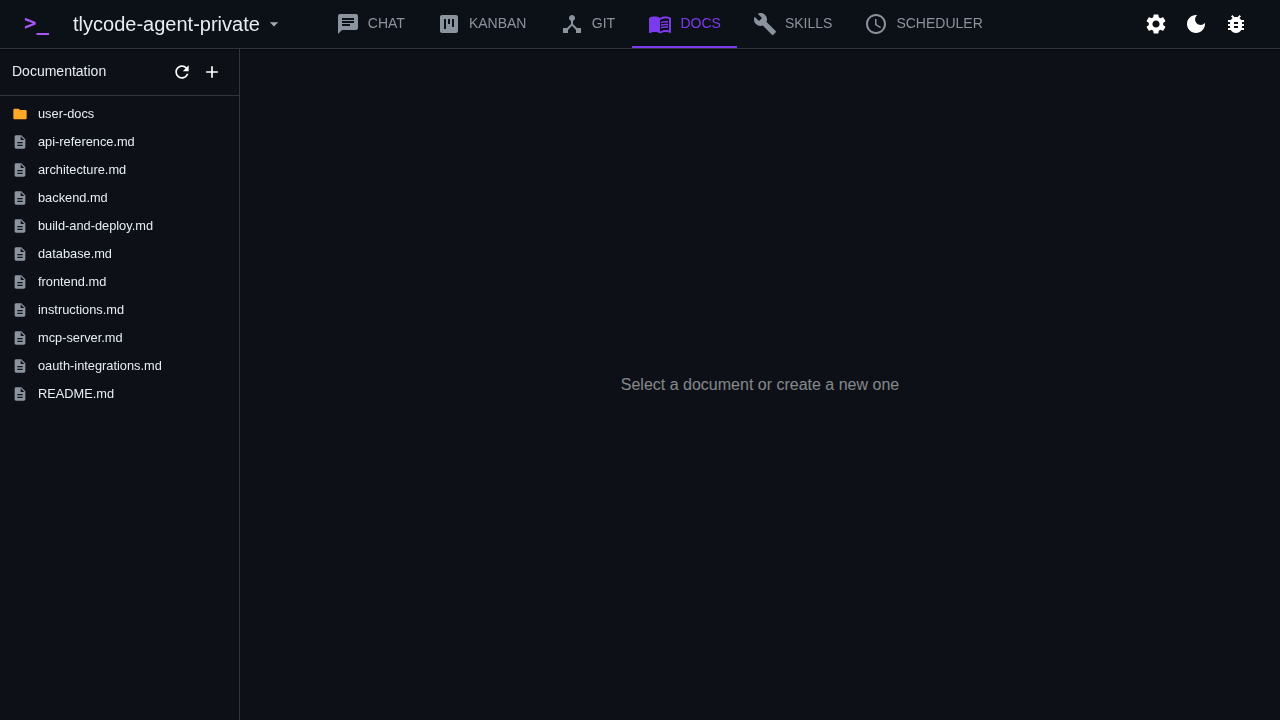
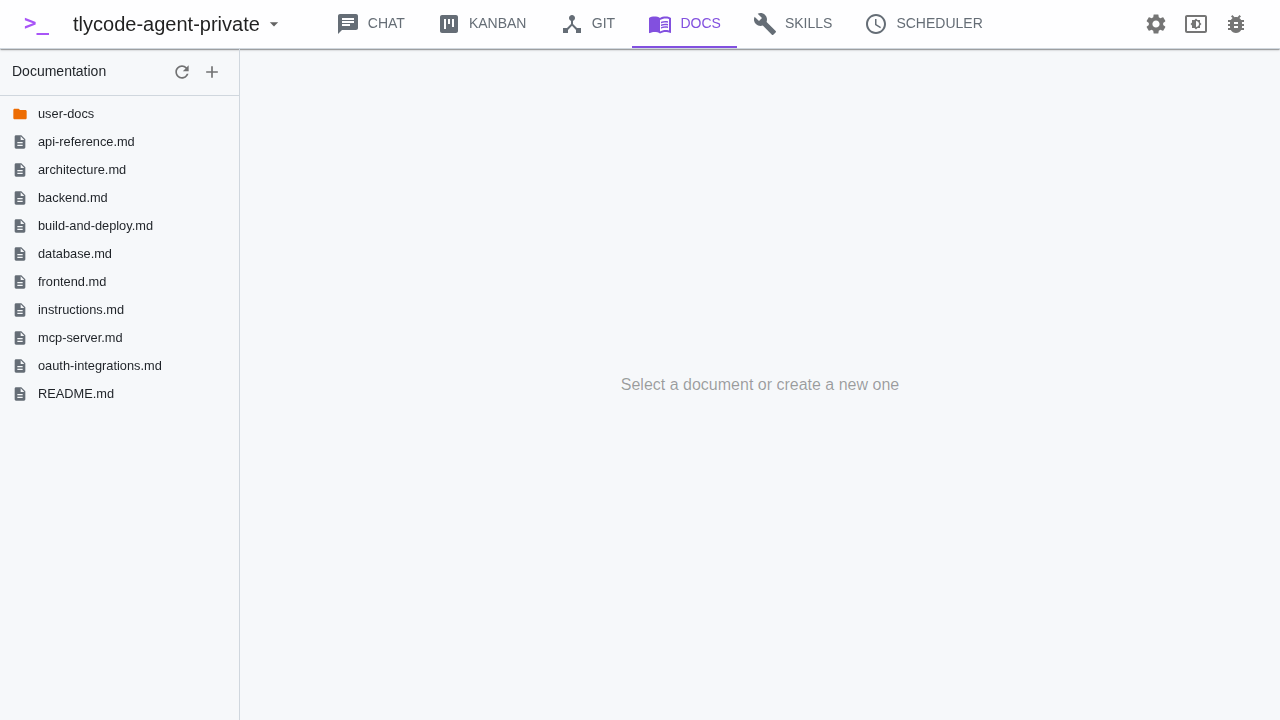
Complete development workflow in one application. From idea to production — the agent handles everything.
Zero-config deploy
No Dockerfiles, no CI/CD scripts, no manual configuration. Agent pushes to GitHub, the platform compiles and deploys. Automatically.
Database without setup
Agent creates a PostgreSQL database, connects it to the project and runs migrations. Tell it what data you need — it handles the rest.
Domains + SSL automatically
Tell the agent the domain name. It configures it, generates an SSL certificate and points it to your app. No manual DNS.
Tlycode Agent workflow
Create a ticket = submit a prompt. The agent picks it up, writes code, tests and deploys. Manage your entire development via the Kanban board.
Multi-Environment
Dev, staging, production — the agent creates and manages each environment separately. Its own database, variables, domains. You just say which ones you want.
Autonomous work
Scheduler runs tasks automatically. The agent works even when you don't — nightly builds, regular tests, automated deploys on schedule.
What you can build
From idea to production. Describe to the agent what you want and it builds it.
E-commerce
Catalog, cart, checkout, orders. The agent creates a complete e-shop — just describe in chat what you need.
SaaS Applications
Dashboard, user management, authentication, roles. Kanban tickets = features — the agent picks them up and resolves them automatically.
Internal Tools
CRM, inventory, reporting. Define Skills for repeated patterns — the agent uses them across projects.
Three steps to vibe coding
Download the agent, describe your idea, get a link. TlyCode Agent handles the rest.
Download TlyCode Agent
Available for macOS, Linux and Windows. Install, sign in — the agent is ready. MCP connector is built-in, no configuration needed.
Describe what you want
In chat or via Kanban ticket: "Create an e-shop with catalog and cart on domain myshop.com." The agent creates a project, database, writes code and deploys.
Agent delivers
The agent returns the URL of your running app. Want a change? Create a Kanban ticket — the agent picks it up, modifies the code and deploys a new version automatically.